
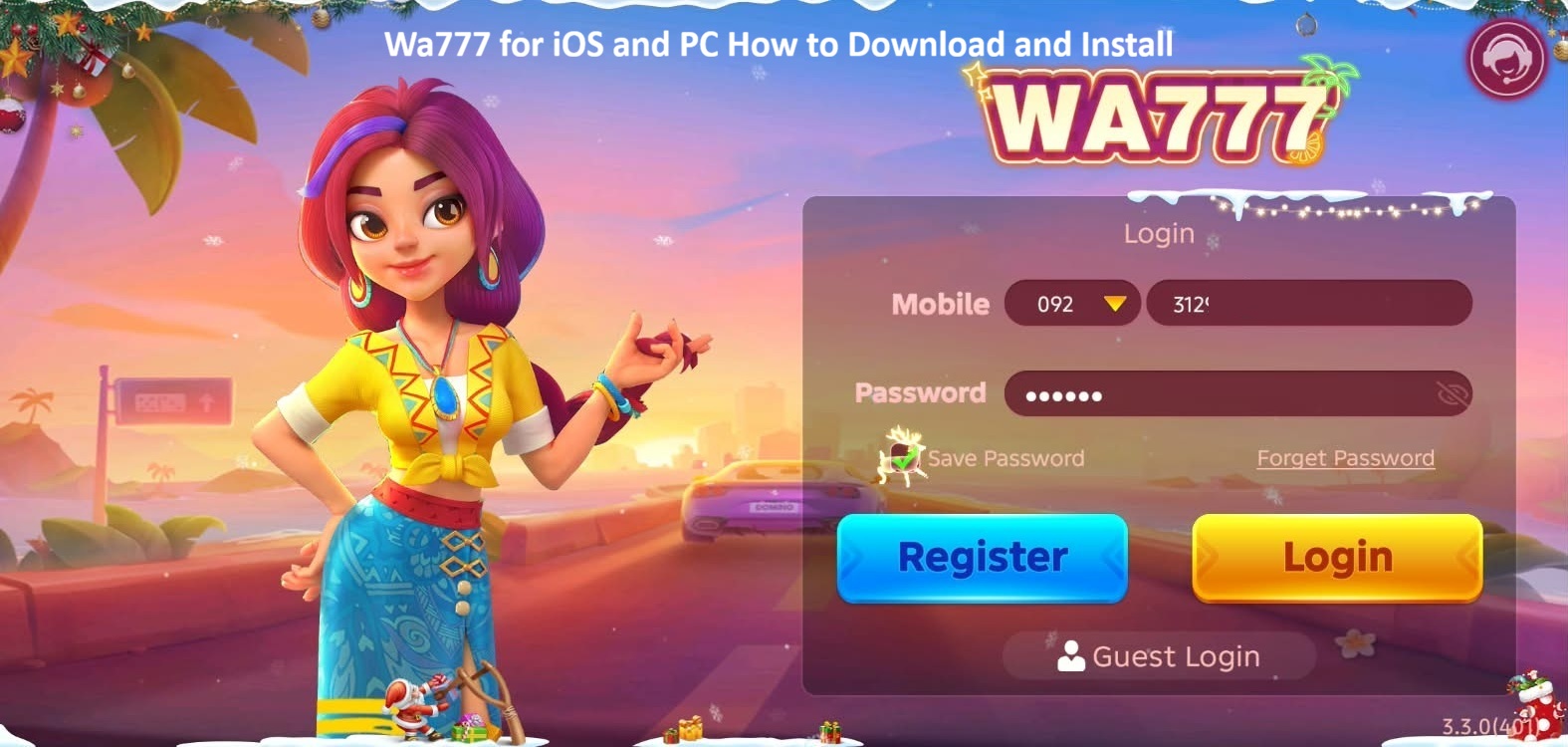
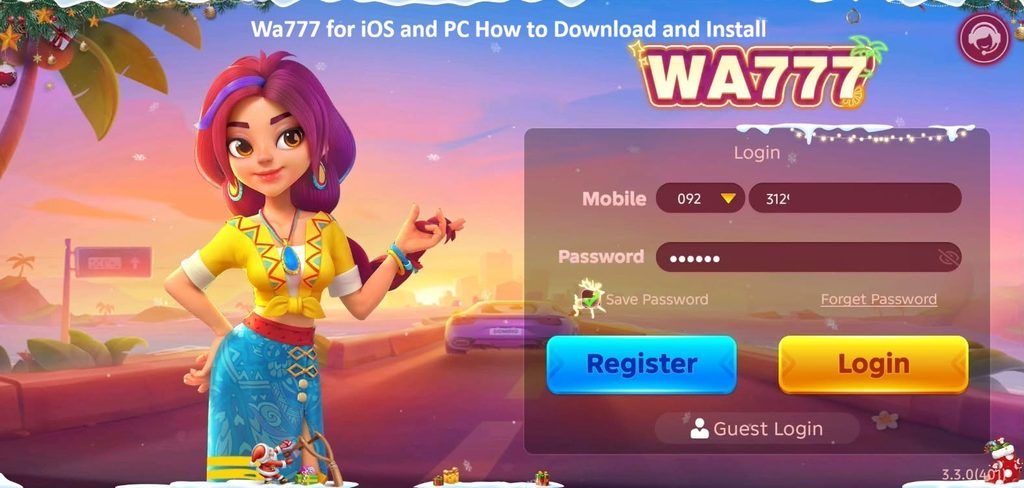
While the native app is Android-focused, players can access Wa777 on iOS and PC through alternative methods. This guide covers practical ways to download and install or access on those platforms.
⚠️ Important Notes Before Starting:
- Wa777 is not available on the official Apple App Store or Google Play Store (typical for real-money gaming apps in many regions). Always download from the official or trusted site to avoid fake/malicious APKs.
- Verify the official website commonly referenced sources include wa777.net.
- Play responsibly. Real-money games involve risk. Check local laws regarding online gaming and gambling.
- Enable security features and only install from sources you trust. After installation on Android emulators, consider disabling “unknown sources.”
📱 How to Access/Download Wa777 on iOS (iPhone & iPad)
Native iOS app support is limited or unavailable in many cases. Most users access it via the mobile browser or by adding a web shortcut.
Method 1: Browser Access (Recommended & Simplest)
- Open Safari on your iPhone or iPad.
- Visit the official Wa777 website.
- Log in or register using your mobile number (OTP verification is usually required).
- For a more app-like experience: Tap the Share button in Safari → “Add to Home Screen.” This creates a shortcut icon that opens the site full screen.
Method 2: Check for Progressive Web App (PWA) or Official iOS Link
Some sites offer a Download for iOS button or PWA install prompt. Follow on-screen instructions if available. If a direct IPA or Test Flight-style link appears, install only from the verified official source.
Tips for iOS
- Use a stable internet connection.
- Clear Safari cache if the site loads slowly.
- For better performance, use landscape mode on larger screens (iPad).
- Guest login or registration with a Pakistani mobile number is commonly supported.
💻 How to Download and Install Wa777 on PC (Windows & macOS)
There is no official Windows/macOS desktop client in most cases. The reliable options are using an Android emulator or the web version.
Method 1: Play via Web Browser (Easiest)
- Open Chrome, Edge, Firefox, or any modern browser on your PC.
- Go to the official Wa777 website.
- Register or log in.
- Play directly in the browser. Many games are optimized for desktop screens.
Method 2: Install via Android Emulator (Closest to Mobile Experience)
Popular free emulators include BlueStacks, LDPlayer, NoxPlayer, or MEmu.
Steps (using BlueStacks as an example; process is similar for others):
- Download and install BlueStacks (or your preferred emulator) from its official website.
- Launch the emulator and complete the initial setup (sign in with a Google account if required).
- Inside the emulator, open the built-in browser.
- Visit the official Wa777 game website and download the latest APK.
- Once downloaded, open the APK file from the emulator’s Downloads folder.
- Allow installation from unknown sources if prompted (emulator settings).
- Install the app, then open it.
- Register or log in with your mobile number and start playing.
Alternative Emulator Tips:
- Allocate sufficient RAM (at least 4 GB recommended) and enable virtualization in your PC BIOS for smoother performance.
- Keep the emulator updated.
- Use a mouse and keyboard for easier control on games like Rocket or card tables.
🔐 Registration and First Login (Works Across Platforms)
- Open the app/web version.
- Tap Register / Sign Up.
- Enter your mobile number (country code usually pre-selected for Pakistan).
- Create a password.
- Verify via OTP SMS.
- Optional: Enter a referral code for bonuses.
- Log in and explore the lobby (Thunder fire, Fortune Gems, Rocket, Dragon Tiger, 7Up 7Down, 9 Coins, etc.).
⚙️ System Requirements Overview
| Platform | Requirements |
|---|---|
| iOS | iOS 12 or later recommended; works best on recent iPhones/iPads via Safari. |
| PC | Windows 10/11 or modern macOS; 4 GB RAM minimum (8 GB+ preferred for emulators); stable internet. |
| Android APK | Android 5.0+ / 6.0+ depending on version; lightweight (typically 10–42 MB). |
🛡️ Safety and Best Practices
- Download only from the official site. Fake APKs are common and can steal login credentials or payment OTPs.
- Never pay any “activation fee” for the APK—the real one is free.
- Enable two-factor or OTP verification where available.
- Start with small deposits and understand the games before risking larger amounts.
- Withdrawals are commonly processed via JazzCash/EasyPaisa (times vary from minutes to 24 hours depending on amount and verification).
- Keep the app/emulator updated for the latest features and security patches.
Final Thoughts
Wa777 delivers a colorful, fast-paced casino experience with a mix of slots, crash games, and table games. On iOS the browser + home-screen shortcut provides convenient access, while on PC the web version or an Android emulator gives the full mobile feel with bigger screens and better controls.
Always prioritize official sources, play within your limits, and enjoy the games responsibly. For the absolute latest download links and version numbers, visit the official Wa777 website directly.